Smart Ceiling Fan and Thermostat Routine: Summer Comfort Without Overcooling
A practical summer 2026 guide to pairing ceiling fan direction, thermostat setpoints, room sensors, schedules, and manual overrides without wasting energy or comfort.
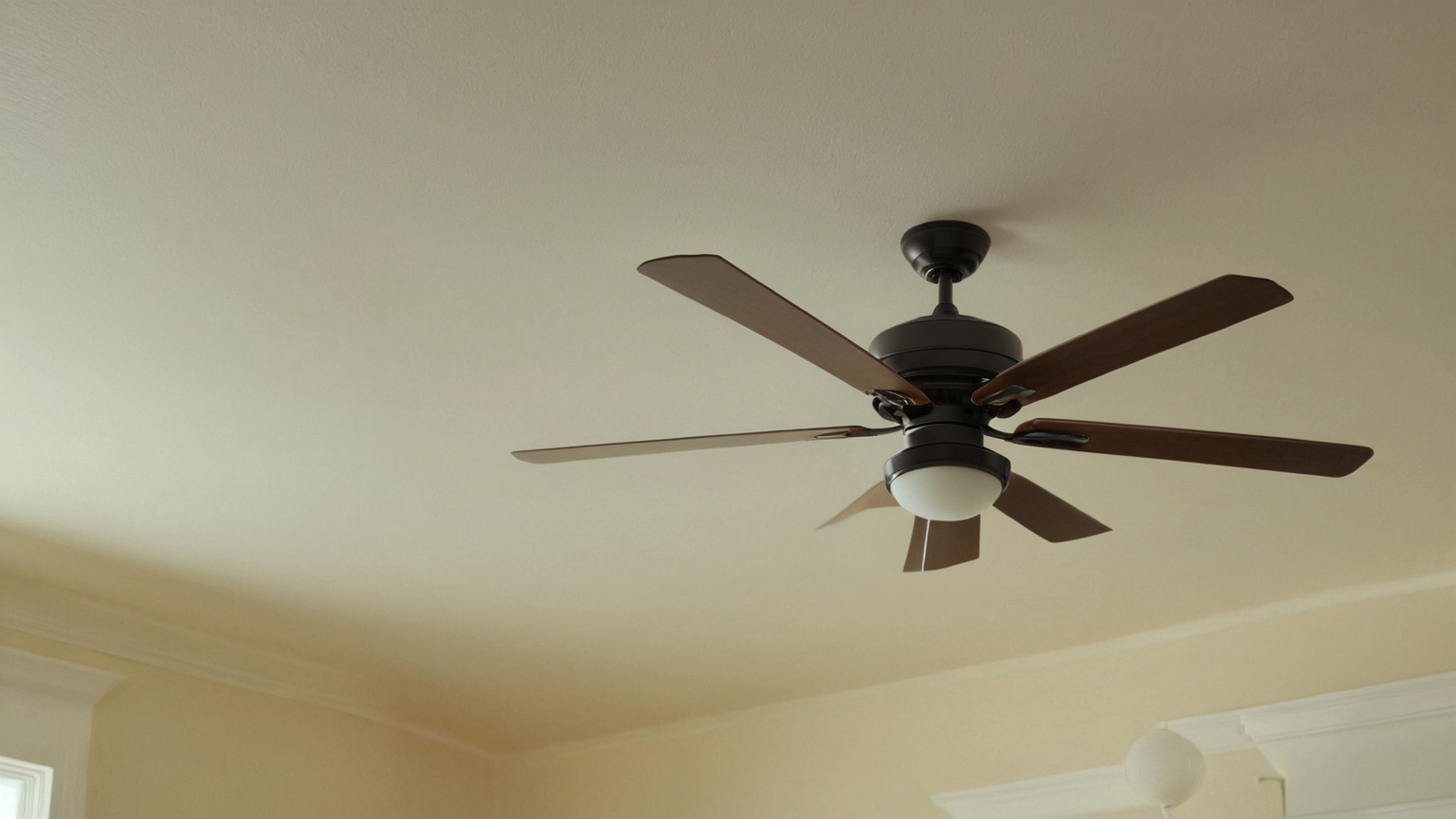
A smart ceiling fan routine should not be a hidden way to overcool the house. The useful approach is to combine fan direction, occupied-room schedules, thermostat setpoints, shade, room-sensor placement, and a manual override that everyone can understand. This guide is current for June 2026 and focuses on practical comfort and energy decisions, not product hype.
Decision table for summer rooms
| Situation | Fan setting | Thermostat move | Check before changing |
|---|---|---|---|
| People are in the room | Gentle cooling airflow | Raise setpoint gradually | Comfort, age, health, humidity |
| Nobody is home | Off or short circulation only | Use away schedule | Pets, plants, medical needs |
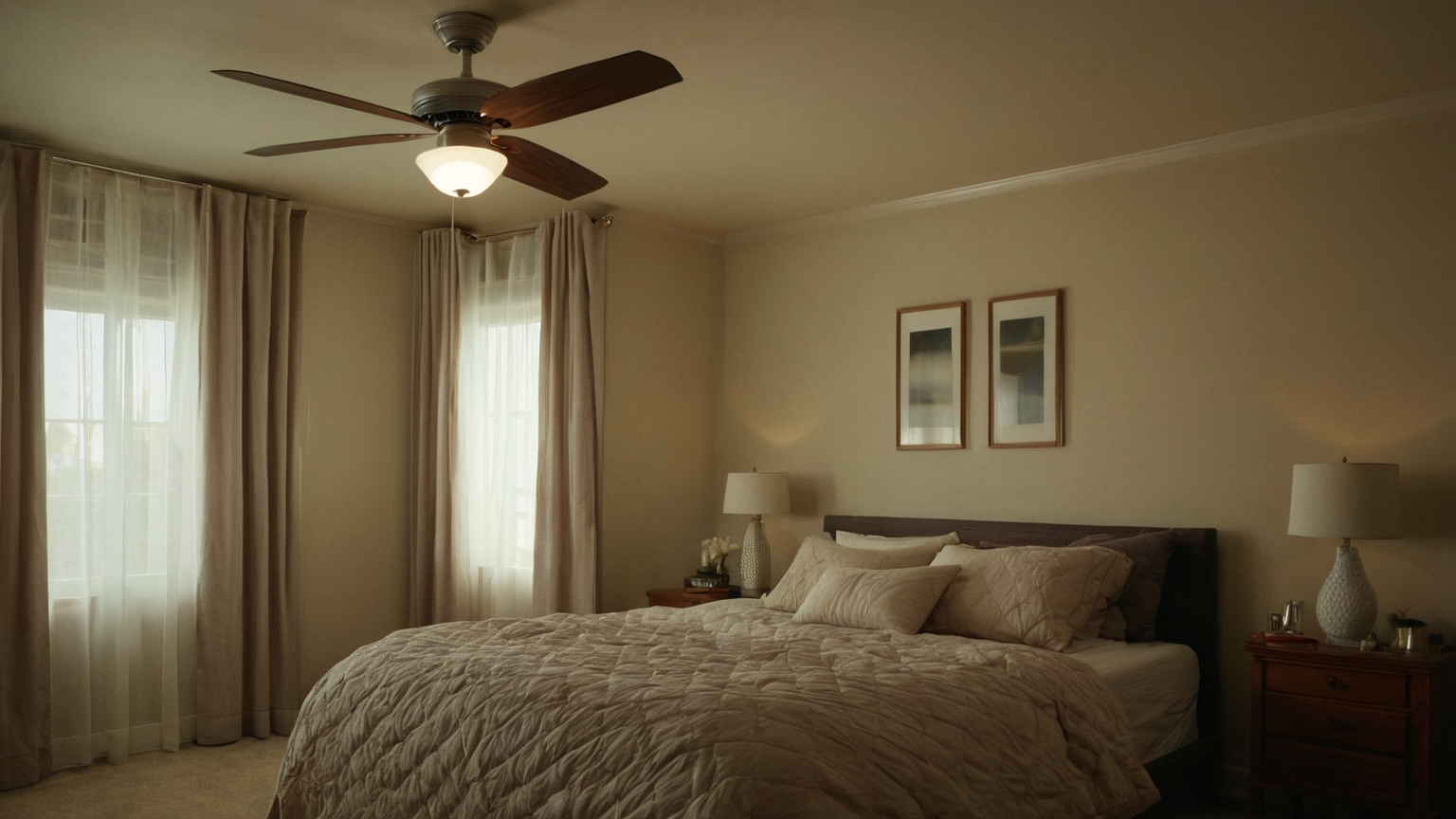
| Bedroom at night | Low speed and quiet mode | Small setpoint change | Sleep quality and heat alerts |
| Sunny afternoon | Shade first, fan second | Avoid chasing heat spikes | Sensor is not in sun |
| Guests or caregivers | Manual switch available | Keep simple labels in household notes | Can someone override it? |
Start with the human, not the app
A ceiling fan helps when people feel the airflow. It does not cool an empty room the way an air conditioner does. Before adding automations, identify the rooms where people actually sit, sleep, cook, or work during hot hours. Do not copy a whole-home schedule if one bedroom, nursery, pet area, or older adult needs a more conservative temperature.
Raise setpoints slowly
If the airflow is comfortable, try a small thermostat change rather than a dramatic jump. Watch sleep, humidity, headaches, and how quickly the room recovers after cooking or sunlight. Extreme heat guidance matters: energy savings should not override health needs. Keep a written fallback for heat alerts, power outages, and guests who do not know the system.
Place sensors where they represent people
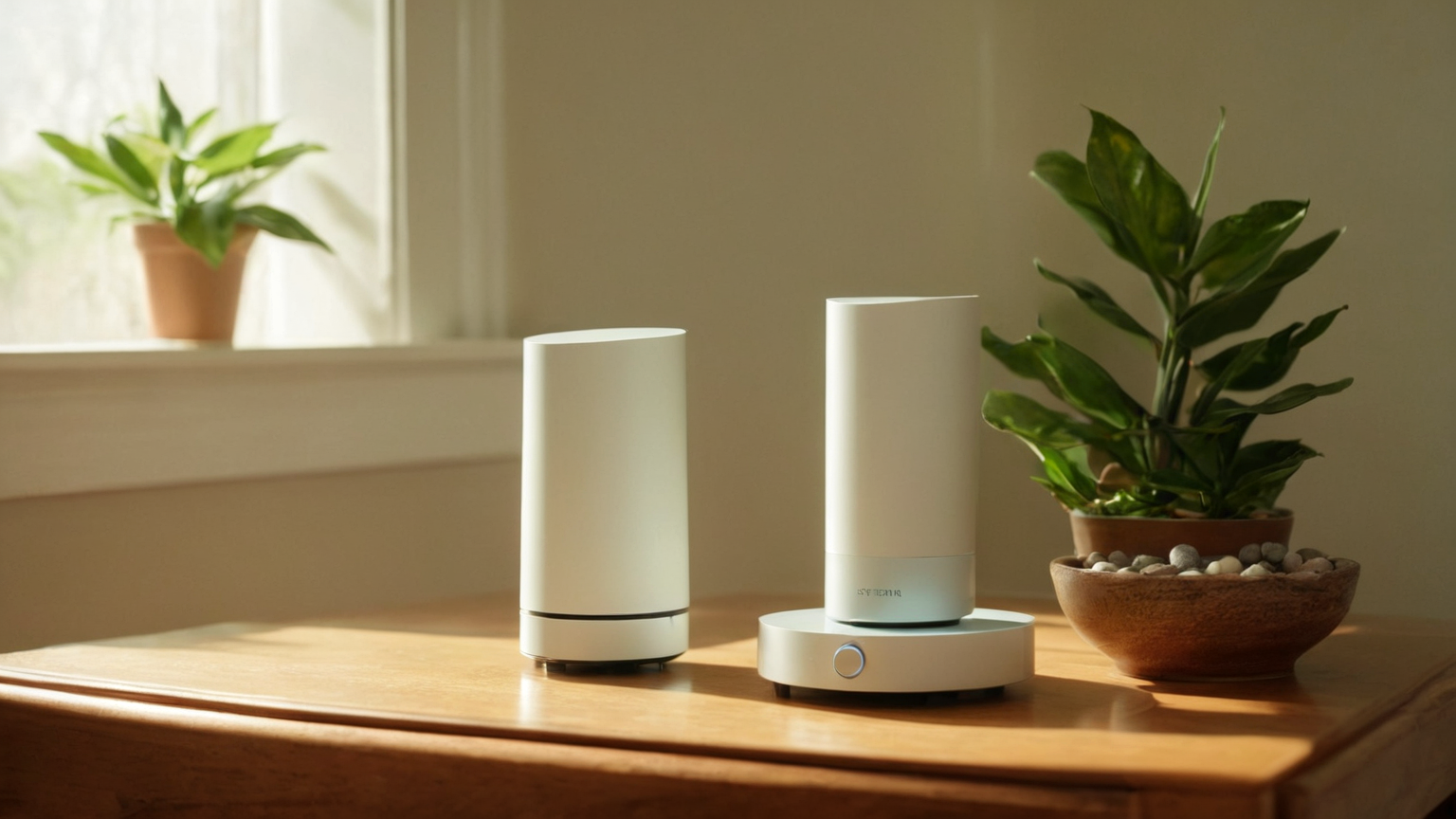
A room sensor in direct sun, behind a curtain, on top of electronics, or beside a supply vent can make the thermostat chase a false condition. Put sensors near the occupied zone but away from heat sources and drafts. If the system gives conflicting numbers, solve the measurement problem before trusting automations.
Keep schedules boring
The best schedule has only a few states: awake home, sleep, away, and heat-safety override. Too many scenes make troubleshooting impossible. Use names that describe actions, such as “living room fan while occupied” or “bedroom low-speed sleep.” If a routine creates discomfort, simplify it before adding more devices.
Safety and maintenance checks
A wobbling fan, loose mounting, buzzing switch, damaged remote, or hot wall control is not an automation problem. Stop and inspect the hardware or ask a qualified professional. Clean dust from blades, verify seasonal direction, keep cords and ladders safe during maintenance, and do not rely on a phone app as the only way to turn the fan off.
Comfort checklist
Check occupied rooms, sensor placement, shade, fan direction, noise level, sleep quality, thermostat history, and heat-alert needs. Then change one variable at a time. A useful smart home record explains what changed, why, and how the household felt afterward. That record is more valuable than a complicated dashboard.
Troubleshooting patterns
If the room feels sticky, the issue may be humidity or ventilation rather than temperature. If one room is hot, look for sun exposure, blocked vents, or closed doors. If the fan helps only on high speed, adjust furniture placement or blade direction. If family members keep overriding the automation, the routine is probably too aggressive.
Summary
A ceiling fan and smart thermostat can work together when the routine is modest, occupied-room focused, and easy to override. The AdSense-readiness value is the decision process: readers learn safe limits, comfort checks, and non-commercial steps before buying another sensor or subscription.