Smart Plug Load Safety Checklist: What Not to Automate at Home
A practical 2026 checklist for using smart plugs safely, choosing loads, avoiding heat-producing appliances, planning manual overrides, and reducing alert fatigue.
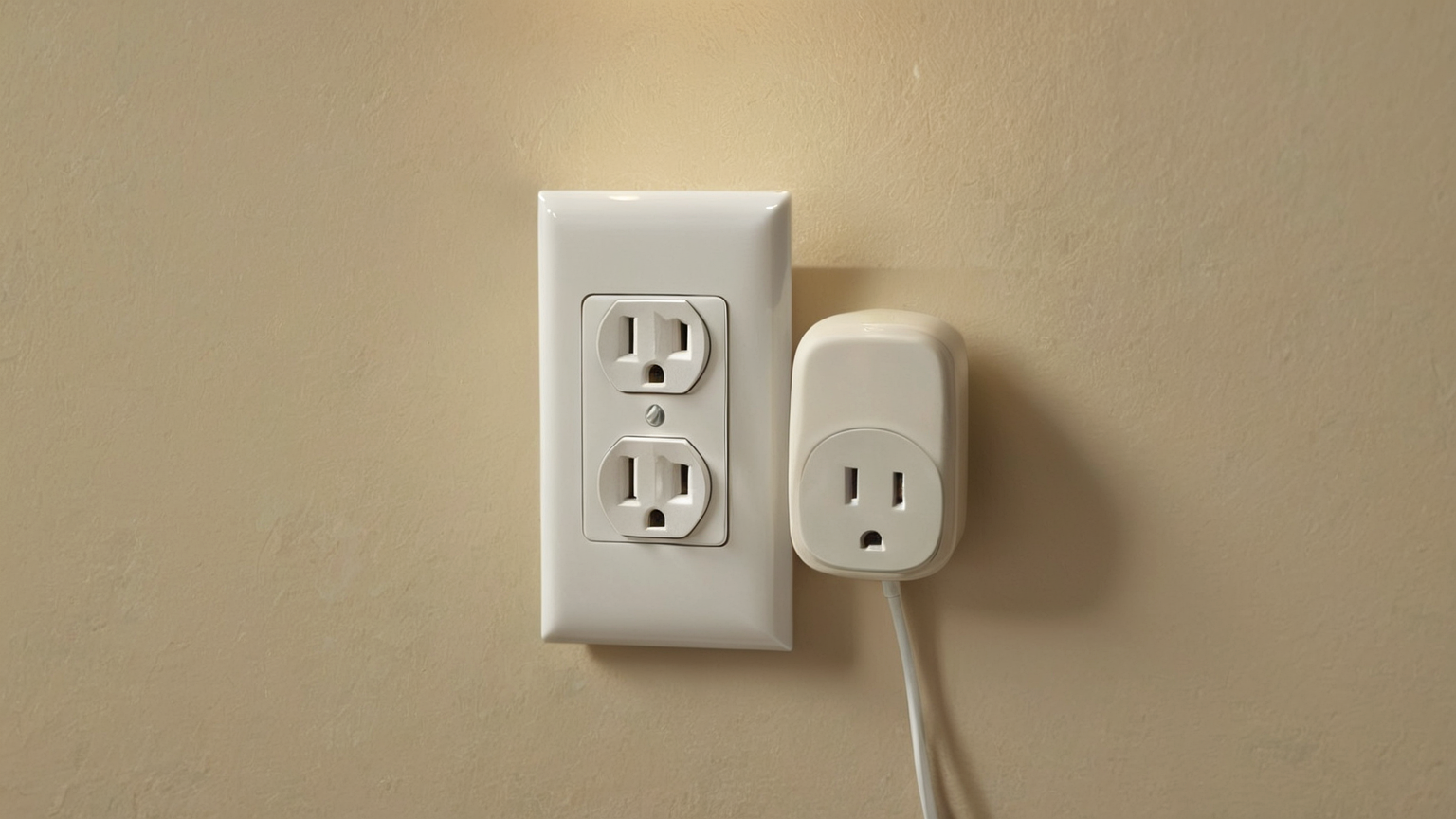
A smart plug is one of the easiest ways to automate a room, which is exactly why it needs a safety checklist. The risk is not the app. The risk is connecting the wrong load, hiding heat in a tight space, trusting a schedule no one remembers, or letting an automation restart a device that should stay off. This June 2026 guide focuses on what not to automate, how to test a safe low-load setup, and how to preserve a manual fallback.
Load decision table
| Device type | Smart plug fit | Why | Safer action |
|---|---|---|---|
| Small lamp | Usually reasonable | Low load and visible result | Test schedule and manual switch |
| Fan | Sometimes | Motor loads need ratings and stable placement | Check manual and plug rating |
| Space heater | Usually avoid | Heat plus unattended restart risk | Use built-in controls only |
| Air conditioner/dehumidifier | Usually avoid unless explicitly supported | Compressor/motor surge and water/heat concerns | Follow manufacturer guidance |
| Coffee maker/kettle | Avoid for remote starts | Heat, water, and unattended operation | Keep manual |
| Router or modem | Sometimes | Can recover freezes but may disrupt emergency calls | Keep recovery plan |

Read the rating before the feature list
Marketing copy highlights schedules, voice assistants, and energy charts. The safety decision starts with voltage, current, wattage, plug shape, indoor/outdoor rating, grounding, and the appliance manual. Do not use a plug that feels warm, fits loosely, blocks ventilation, or forces a cord behind furniture. If the device needs a dedicated outlet, a grounded connection, or a built-in thermostat, do not bypass that requirement with automation.
Keep heat-producing devices boring
The most helpful smart-home rule is simple: do not remotely restart heat. Space heaters, heated blankets, irons, kettles, countertop ovens, and similar appliances should not depend on a cloud routine or voice command. Even if a device technically turns on, the room conditions may have changed. A blanket may be folded, a cord may be trapped, a pet may have moved bedding, or someone may have placed paper nearby.
Test with a low-risk lamp first
Choose a visible lamp in an open area. Run the schedule for a week. Confirm the physical switch position, app status, voice command behavior, power-loss recovery, and what happens when Wi‑Fi is down. If the household cannot explain how to turn it off without the app, the setup is not ready for anything more important.
Use energy monitoring as a clue, not a verdict
Energy charts can reveal standby waste or a device that never turns off. They cannot prove an appliance is safe for automation. Treat unusual spikes as a reason to inspect the device, not as a gamified score. For AdSense-readiness and reader trust, this article intentionally avoids affiliate product rankings: the safe answer depends on the exact load, manual, outlet, and household.
Manual override checklist
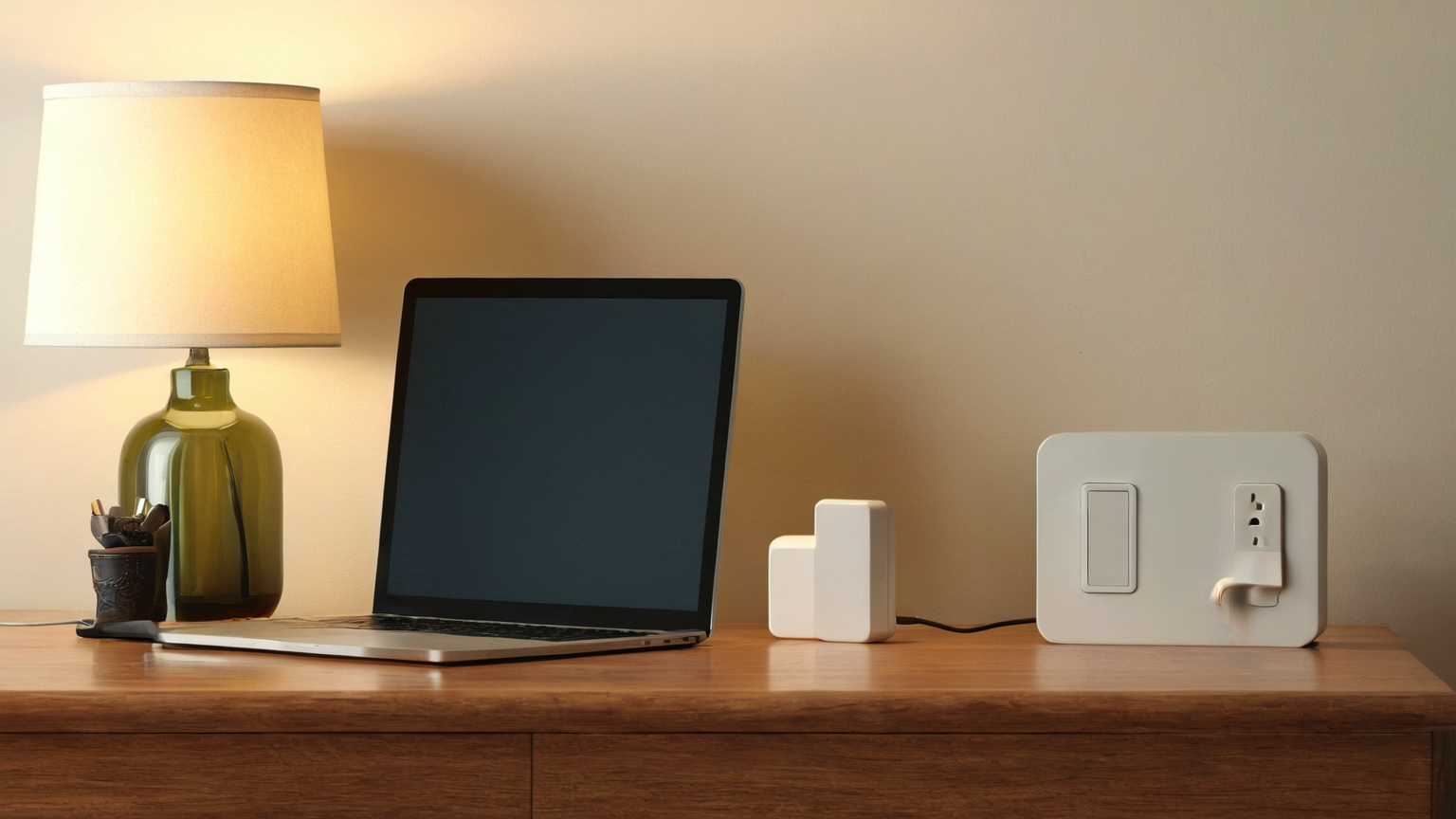
Label the physical outlet area in household language, keep the app owner from being the only person who knows the routine, and document vacation mode separately. If a sitter, older relative, or guest will be present, the automation should be simpler, not smarter. Use automations for reminders and low-risk lighting; keep life-safety and heat decisions human-controlled.
Stop-work signs
Stop using the plug if you notice warmth, odor, buzzing, discoloration, repeated breaker trips, damaged cords, moisture, loose fit, or behavior that restarts unexpectedly after power returns. Unplug first when safe, then consult qualified help or replace the device according to manufacturer guidance.
Practical summary
A smart plug is best for visible, low-load, reversible convenience. It is not a shortcut around electrical ratings, appliance instructions, or common sense. The strongest routine is one your household can turn off physically, explain quickly, and remove without breaking anything else.