Smart Plug Standby Load Audit: A Weekend Energy Routine for Quiet Electronics
Use smart plugs and meter readings to find quiet standby loads without turning the home into a gadget project.
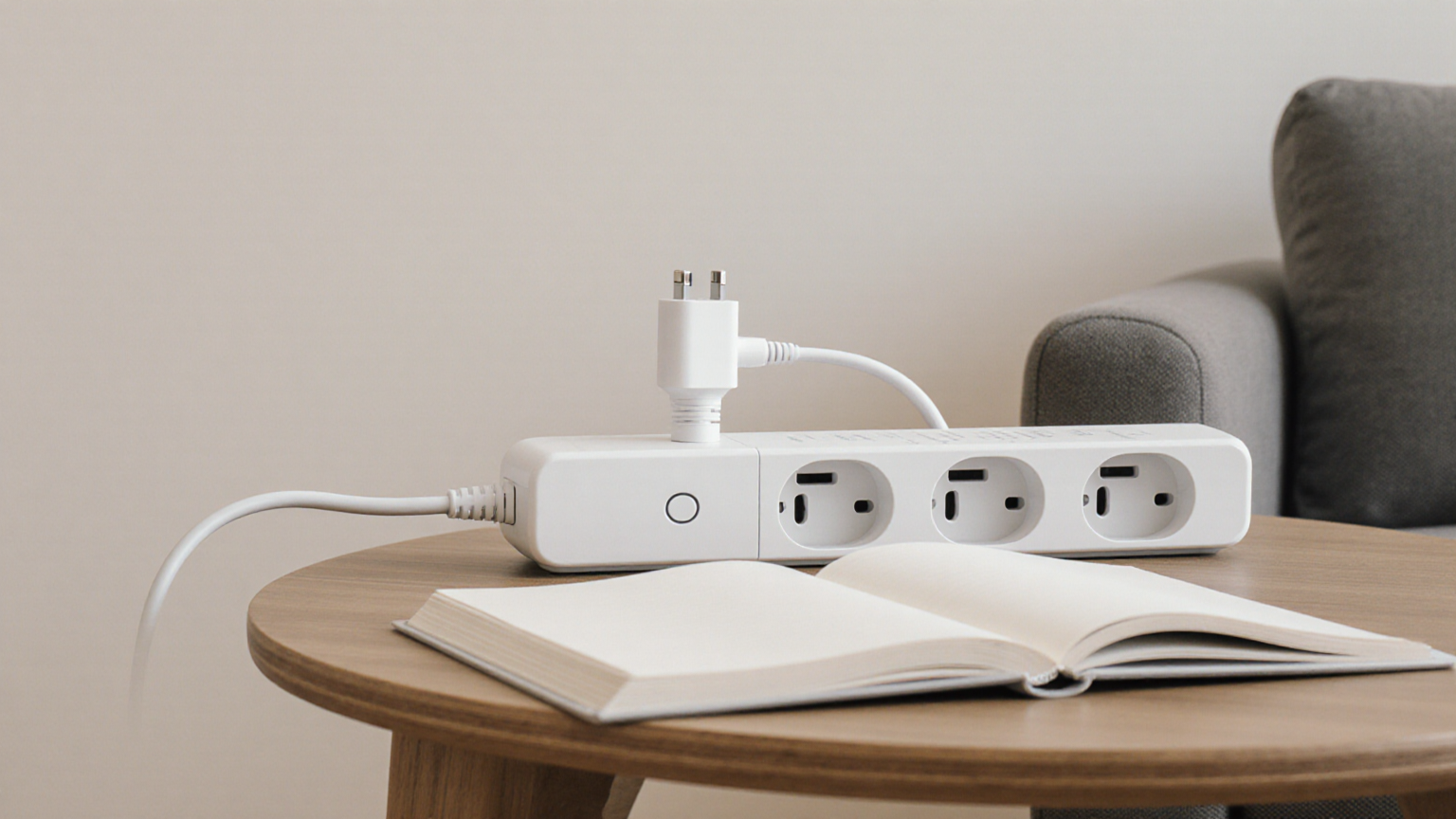
Smart Plug Standby Load Audit: A Weekend Energy Routine for Quiet Electronics
A standby-load audit is useful only when it helps you decide which quiet electronics can stay on, which can be scheduled, and which should never be put behind a smart plug. This routine uses a smart plug or plug-in power meter as a temporary measuring tool, not as an excuse to automate every outlet. The target is a safe weekend pass through lamps, chargers, speakers, media boxes, and office corners where small loads can hide for months.
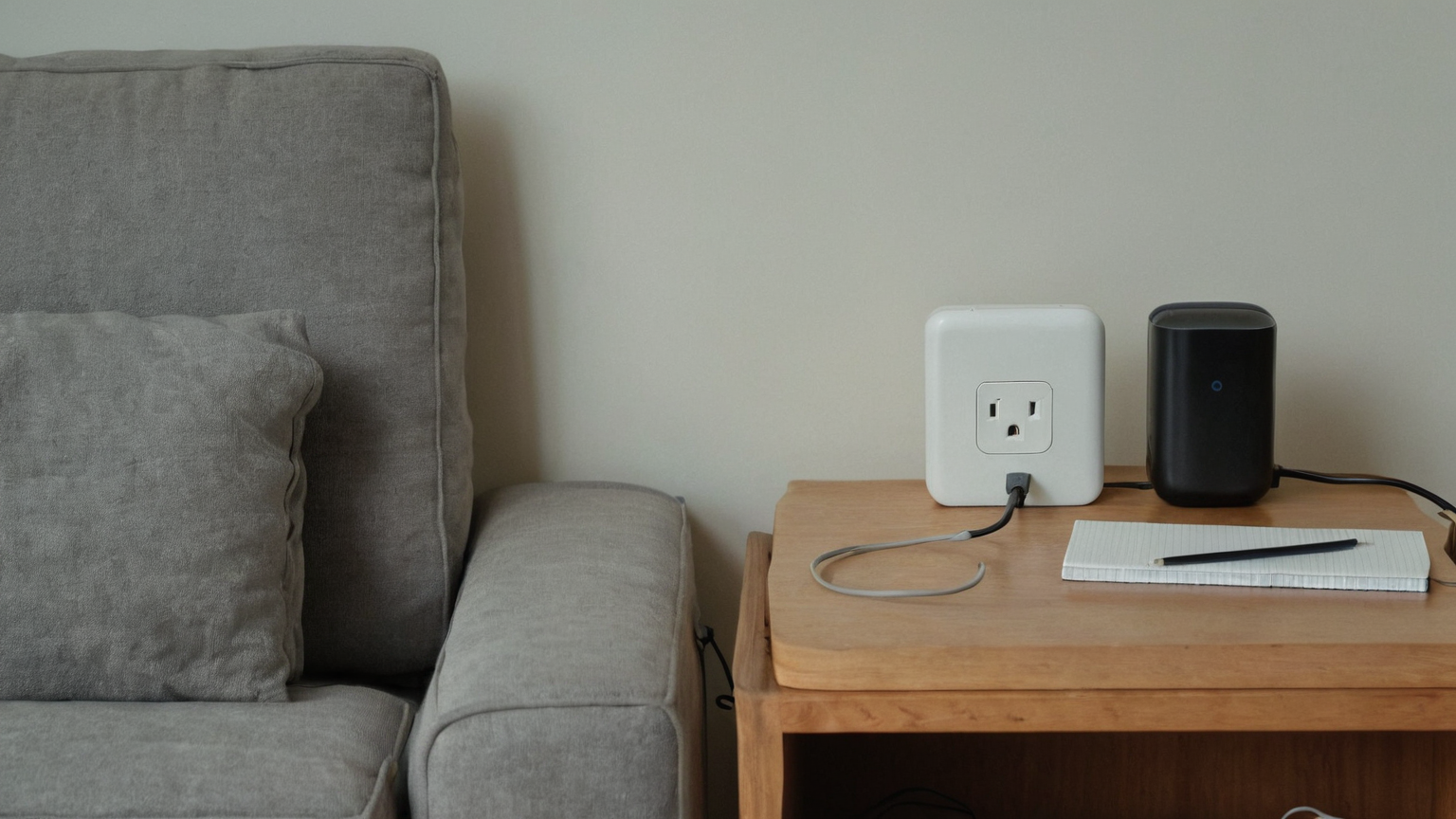
The safety boundary comes before the savings number
Do not put refrigerators, freezers, medical devices, sump pumps, routers needed for emergency calling, or anything with a manufacturer warning behind an automatic shutoff. Do not stack adapters, cover a power strip with furniture, or use a smart plug where heat, moisture, or a loose outlet is already a concern. The audit starts by removing unsafe candidates rather than by chasing the highest wattage.
| Device group | Audit action | Safe next step |
|---|---|---|
| Phone and tablet chargers | Measure when idle and when charging | Unplug idle chargers or move them to one labeled strip |
| Lamps and seasonal lights | Confirm bulb type and timer need | Use schedules only where the cord remains visible and cool |
| Media boxes and speakers | Measure overnight standby | Group only nonessential devices that tolerate power loss |
| Home office extras | Check docks, printers, and speakers | Keep network and security gear on stable power |
A two-hour weekend measuring loop
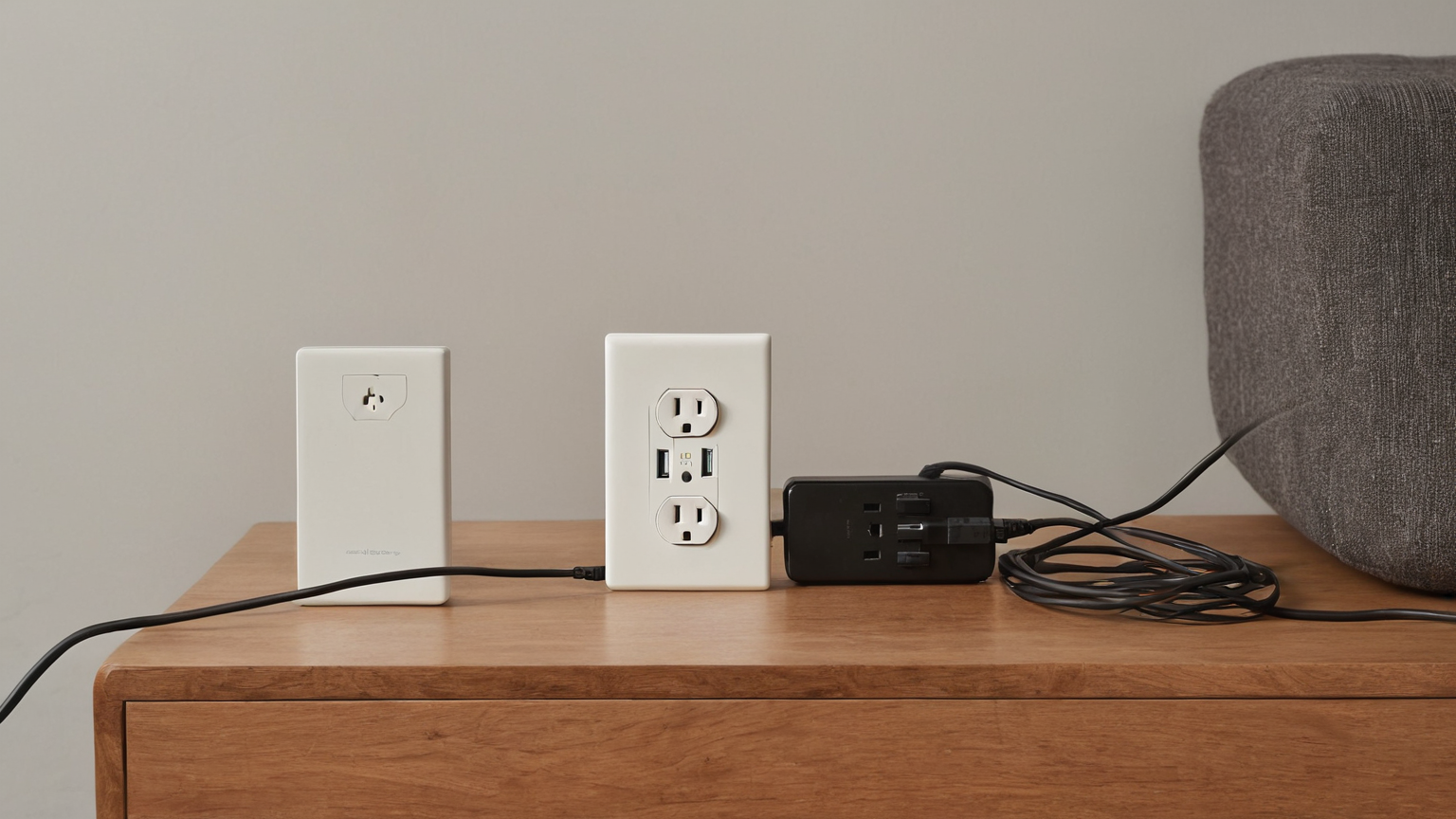
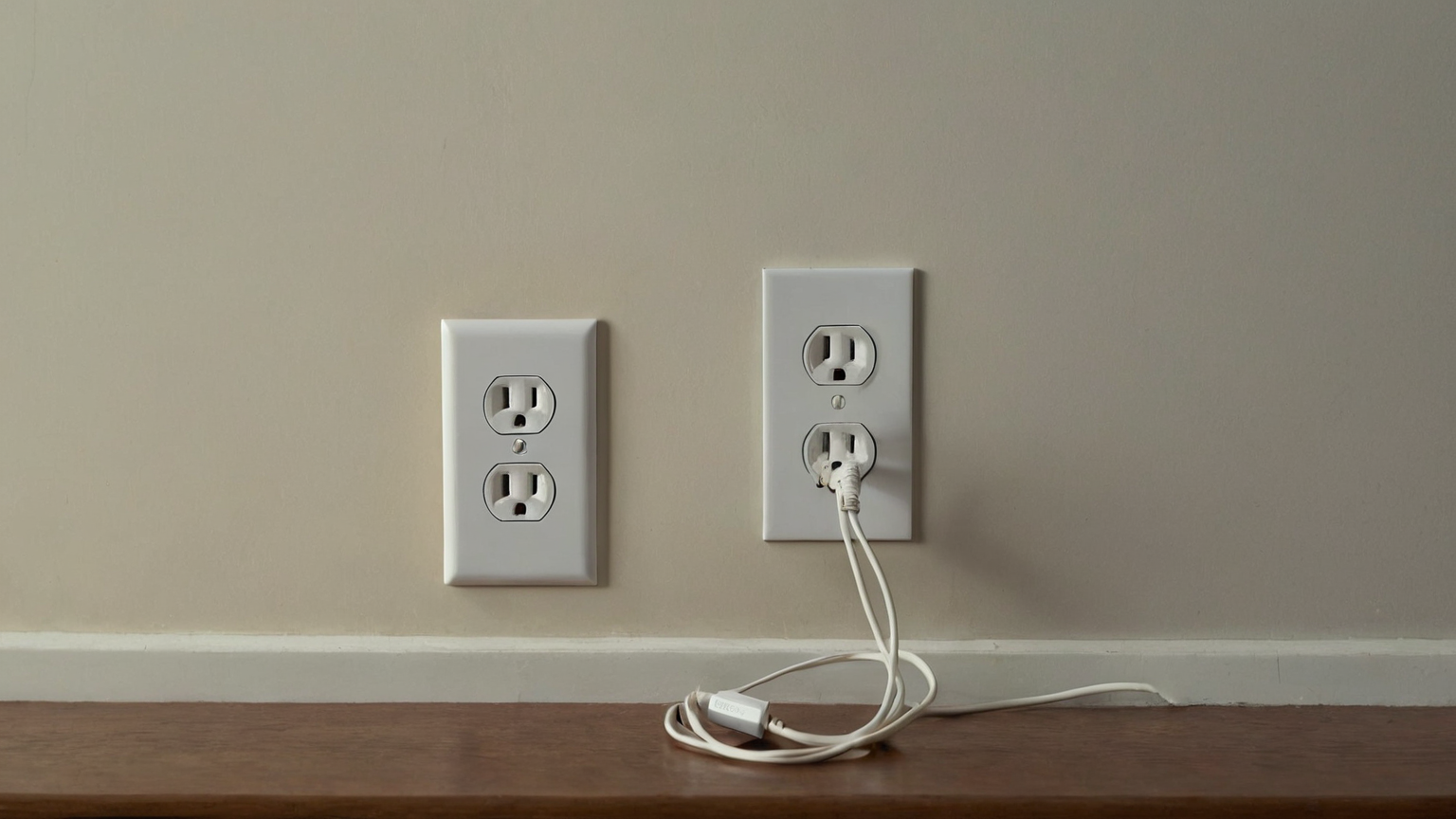
Pick one room and one outlet cluster. Photograph or sketch the starting setup for yourself, then measure one device at a time for fifteen to thirty minutes. Write the wattage range, what the device does, and whether anyone would notice if it turned off. This keeps the decision practical: a tiny load on a device used daily may not deserve a rule, while a forgotten seasonal adapter might.
Decision rules that prevent over-automation
Use three labels. Keep on means the device supports safety, connectivity, food preservation, medical needs, or a shared household expectation. Schedule means the device is nonessential during a predictable block, such as a desk lamp or speaker used only after work. Unplug means the device has no current job and can be removed from the outlet entirely. If a rule would annoy another person in the home, change the routine before adding automation.
Make the result visible without creating clutter
A small card inside a drawer or a note in the utility folder is enough. Record the date, the devices checked, the one change you made, and the next review month. Avoid public dashboards, brand passwords, serial numbers, or Wi-Fi names in screenshots. The evidence should help your household repeat the routine, not expose private device details.
Troubleshooting
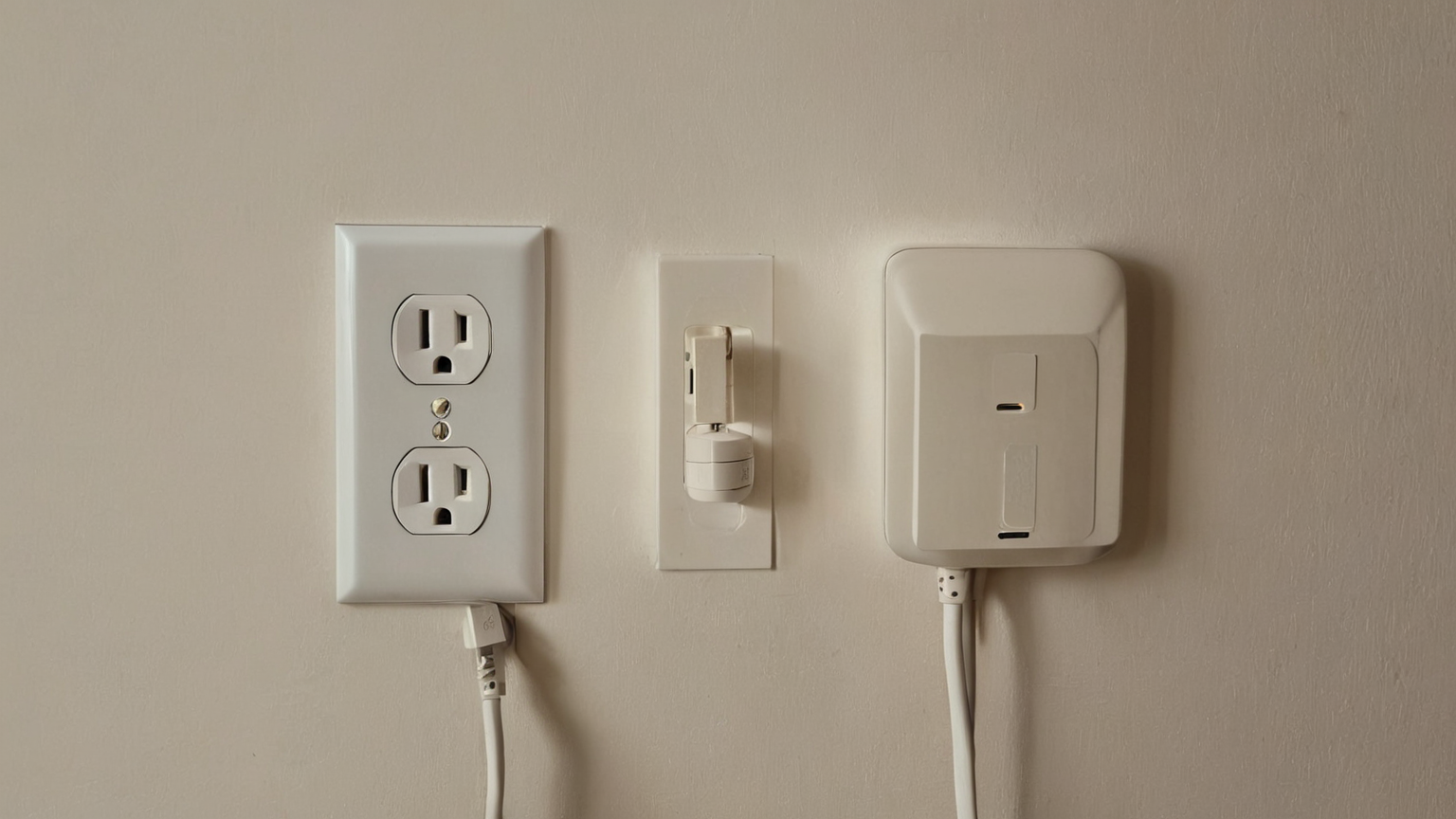
If a smart plug reports impossible numbers, test a simple lamp to confirm the meter behaves normally. If an outlet feels warm, smells odd, sparks, or will not hold a plug firmly, stop the audit and treat it as an electrical-safety issue rather than an energy project. If a device loses settings after power loss, mark it keep-on or use a manual reminder instead of a schedule.
AdSense-readiness note
This article preserves reader trust by explaining when not to use a product, citing energy and electrical-safety sources, and offering a no-purchase path: observe, measure, decide, and document. Product recommendations are intentionally avoided unless the reader has a clear measurement need.
FAQ
How many outlets should I audit in one weekend? One room is enough. A small completed audit is more valuable than a whole-house list that never gets repeated.
Can I use smart plugs on power strips? Only follow the device maker’s rating and safety instructions. Never daisy-chain strips or hide warm adapters behind furniture.
What result counts as success? A written keep-on, schedule, or unplug decision for each checked device, plus no new cord or heat risk.