Smart Door Lock Battery Check: Summer Travel Keypad Backup Plan for 2026
A practical 2026 routine for smart door lock battery checks, travel handoffs, keypad privacy, physical-key backup, guest codes, and stop-work safety limits.
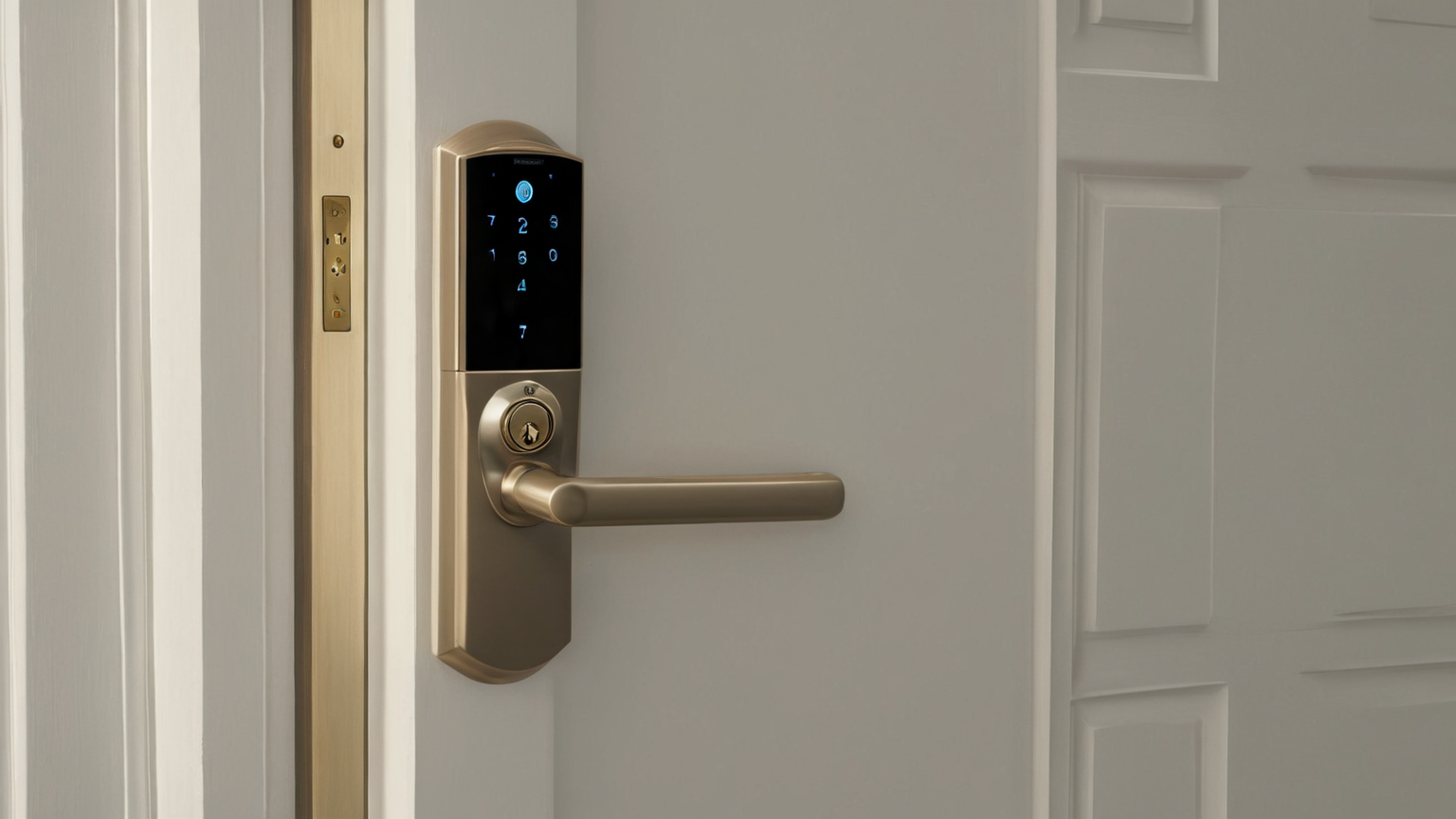
A smart door lock is a convenience layer on top of a physical door, not a replacement for a working latch, a fresh battery plan, and a backup way to enter. Summer travel makes weak routines obvious: someone leaves for the airport, a guest arrives late, heat drains batteries faster than expected, or a code is sent to the wrong person. This June 2026 plan gives homeowners and renters a calm checklist that improves security without turning the entry into an app-only trap.
Battery and access decision table
| Check | Do this before travel | Do not do this | Proof it worked |
|---|---|---|---|
| Battery level | Replace or recharge if low, then test twice | Assume the app percentage is exact | Lock cycles normally from inside and outside |
| Physical key | Store with a trusted person or safe legal place | Hide a key in an obvious planter | A real person can retrieve it |
| Guest code | Use a temporary window if supported | Reuse the family code for everyone | Code expires after the visit |
| Door fit | Test latch with the door fully closed | Force a motor against a misaligned strike | Deadbolt moves smoothly by hand |
| Privacy | Send codes only to the right person | Post codes in shared chats | Old code removed after use |
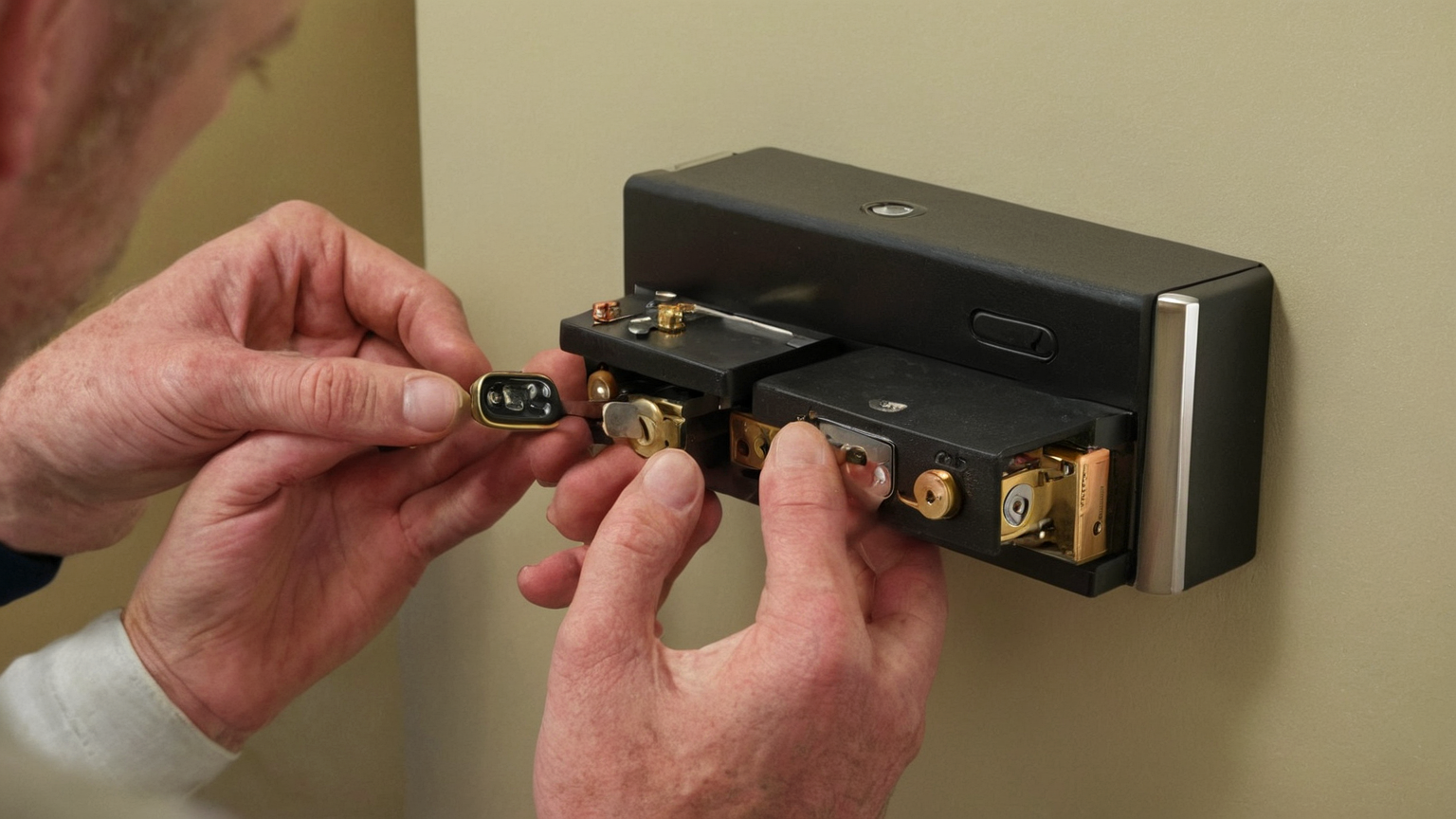
Start with the door, not the app
Open and close the door slowly. If the latch rubs, the weatherstrip pushes the door back, or the deadbolt needs shoulder pressure, fix alignment before blaming software. A motorized lock that fights the frame will drain batteries and may fail at the worst time. The safe test is simple: the deadbolt should move by hand with the door closed, without scraping, buzzing, or repeated retries.
Make a two-person travel handoff
Choose one primary owner and one backup. The owner checks batteries, removes old guest codes, and confirms the physical key path. The backup receives only the information needed for the travel window. Avoid broadcasting access details to a family group chat where screenshots can linger. If the lock supports activity logs, check them for expected entries, not for constant surveillance.
Keypad privacy and code hygiene
Worn buttons, repeated simple patterns, and codes reused from other accounts weaken the system. Use a code that is memorable to the authorized person but not tied to a birthday, address, or phone number. If the lock supports one-time or scheduled codes, prefer those for cleaners, pet sitters, and neighbors. Delete temporary codes after the trip instead of waiting for a future cleanup day.
Battery handling without fire risk
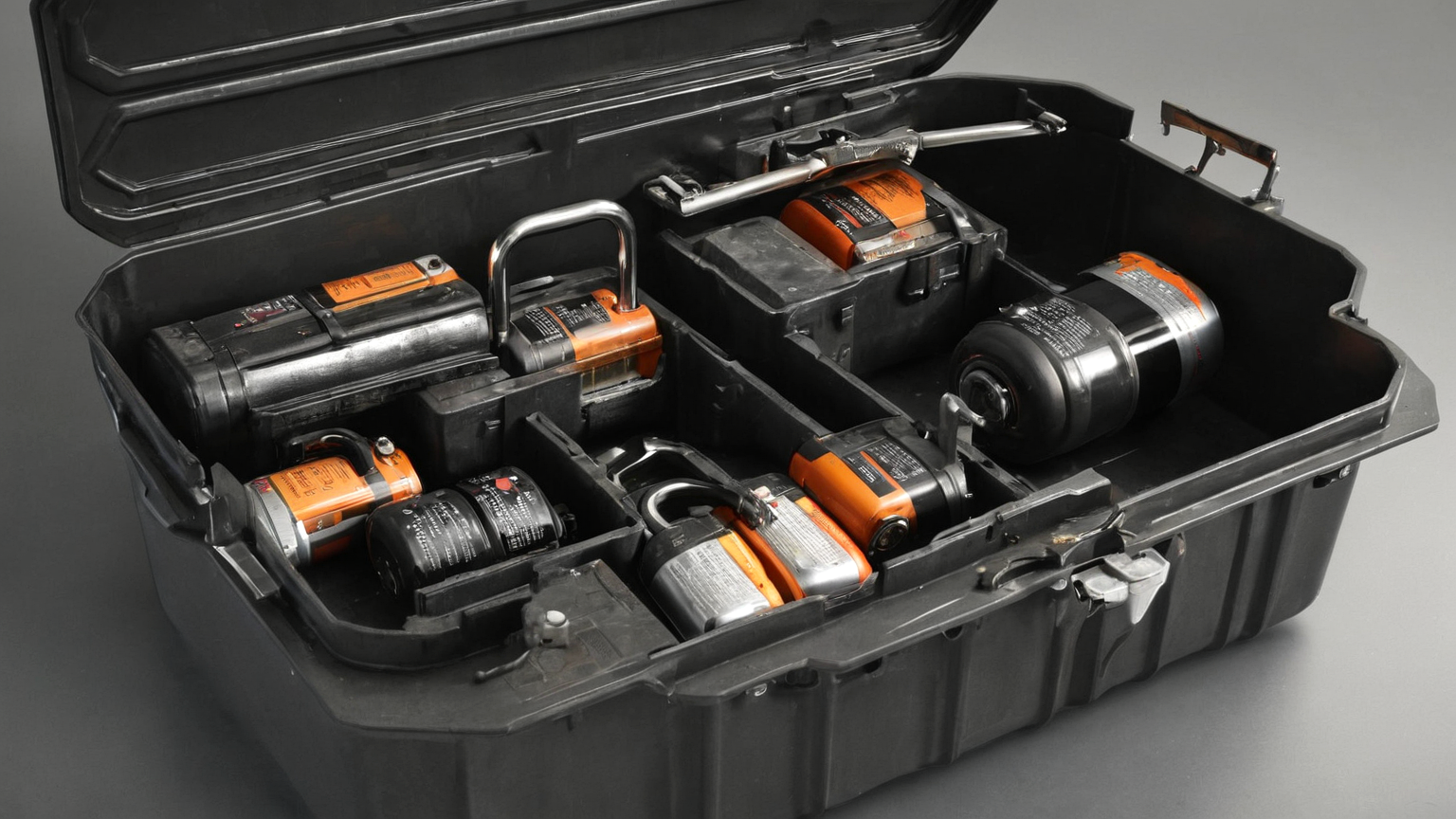
Use the battery chemistry and orientation specified by the lock maker. Do not mix old and new cells or different brands if the manual warns against it. If batteries are swollen, leaking, unusually hot, or corroded, stop and handle them according to local disposal guidance. A smart lock is not worth a battery fire or damaged door hardware.
Seven-step pre-trip drill
- Confirm the door latches smoothly by hand.
- Replace or charge batteries if the level is uncertain.
- Lock and unlock from inside and outside.
- Test the travel code only once, then stop sharing it.
- Confirm the backup key path.
- Remove old guest codes.
- Write down who can make lock changes while you are away.
Troubleshooting without overreacting
If the lock fails once, repeat the test after the door is fully closed and the batteries are fresh. If it fails again, switch to a physical-key plan for travel and troubleshoot later. Do not remove strike plates, bypass safety screws, or leave the door unable to latch just to preserve an automation. Security hardware should fail into a conservative manual routine.

Maintenance after returning home
Remove travel codes, check the log for unexpected entries, and decide whether the backup person still needs access. If several people used the door, ask whether the latch felt stiff or the keypad was confusing. The best routine is one that ordinary guests can follow without calling you at midnight.
AdSense and trust note
This guide is intentionally practical rather than product-driven. It does not recommend one brand, does not ask readers to bypass safety instructions, and keeps irreversible electrical, lease, academic, or health decisions with the qualified owner, instructor, landlord, or professional who has the full context. Use it as a planning worksheet, not as a substitute for local rules or official instructions.
Quick summary
- Start with the lowest-risk physical check before changing apps or buying gear.
- Record the current condition, one reversible change, and the result.
- Keep emergency, safety, privacy, and integrity boundaries stricter than convenience settings.
- Recheck after real use, not only during a perfect test.