Smart Home Emergency Button Routine: A Safer Alert Plan for Households
A practical 2026 smart-home guide to emergency buttons, voice routines, fallbacks, privacy, false alarms, and caregiver testing without overpromising safety.
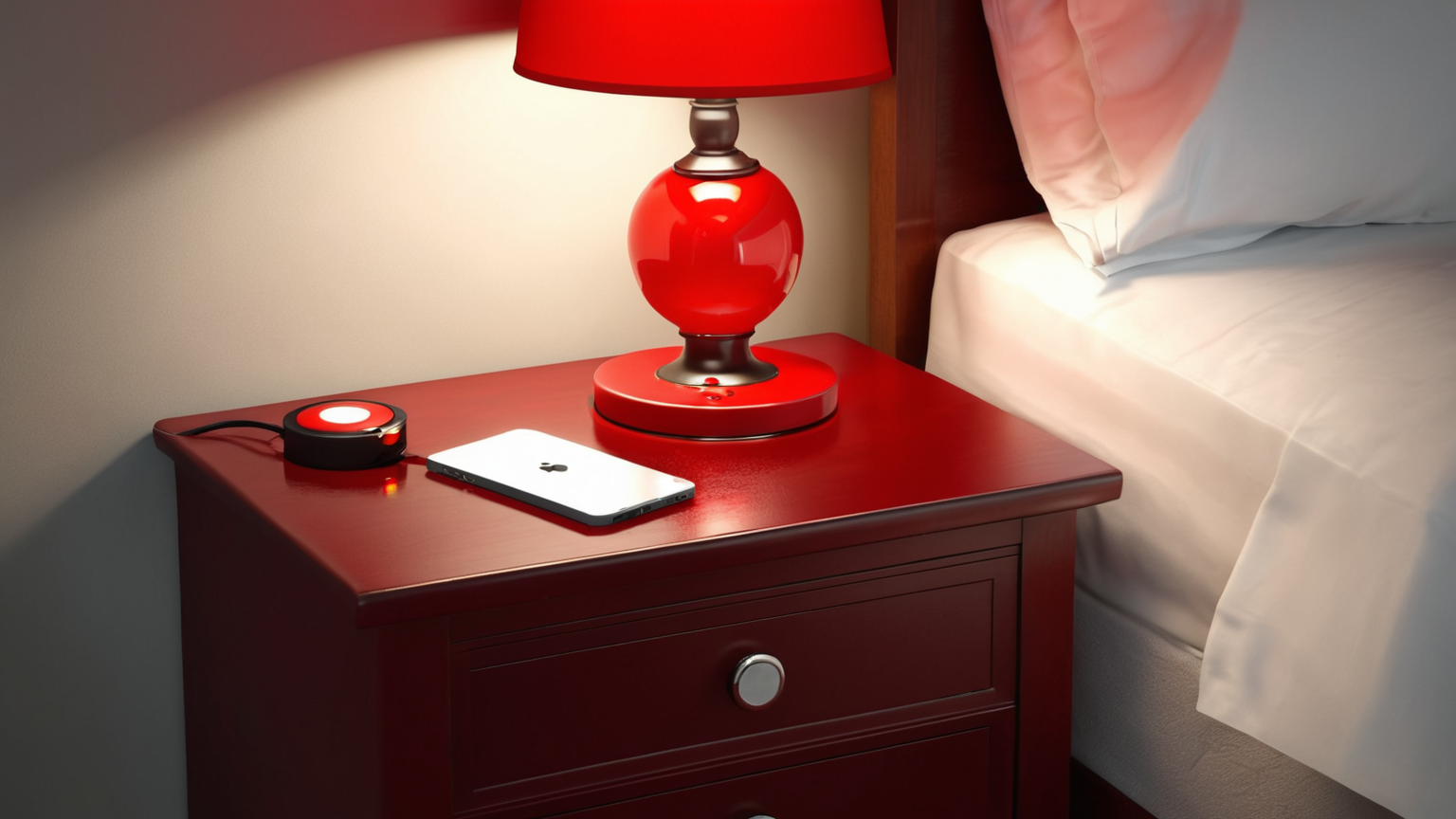
A smart emergency button is useful only when everyone already understands the response plan. Treat the device as a household signal: where it sits, who receives the alert, what the message means, and what manual fallback works when Wi-Fi, power, batteries, or app permissions fail. This guide focuses on a simple alert routine rather than a product ranking.
The safety boundary is deliberate. A button can notify a trusted contact, turn on lights, or start a check-in script, but it cannot diagnose danger or replace emergency services. If there is immediate danger, fire, injury, violence, gas, carbon monoxide, flooding near electricity, or medical distress, use the appropriate emergency channel first and treat the smart-home routine as a secondary aid.
The button is only one layer
A smart button can turn on lights, send a message, start a speaker announcement, unlock a door for a trusted person, or call attention to a room. It cannot judge whether an injury is serious, guarantee cellular service, or make an untrained contact respond correctly. Start with a written household plan, then decide which tiny automation makes that plan easier to start.
| Situation | Good routine | Unsafe shortcut |
|---|---|---|
| A person feels unsteady but can speak | Notify the chosen contact, turn lights on, and remind the person to sit safely | Replacing emergency calling with a gadget notification |
| Smoke alarm or carbon monoxide alarm sounds | Leave the home and call emergency services from a safe place | Waiting to see whether the smart home confirms the alarm |
| A guest presses the button by mistake | Send a reversible check-in message and log the time | Unlocking doors or calling multiple contacts without confirmation |
| Internet is down | Use a printed contact card and phone fallback | Assuming Wi-Fi devices will still reach everyone |

Choose the location before choosing the device
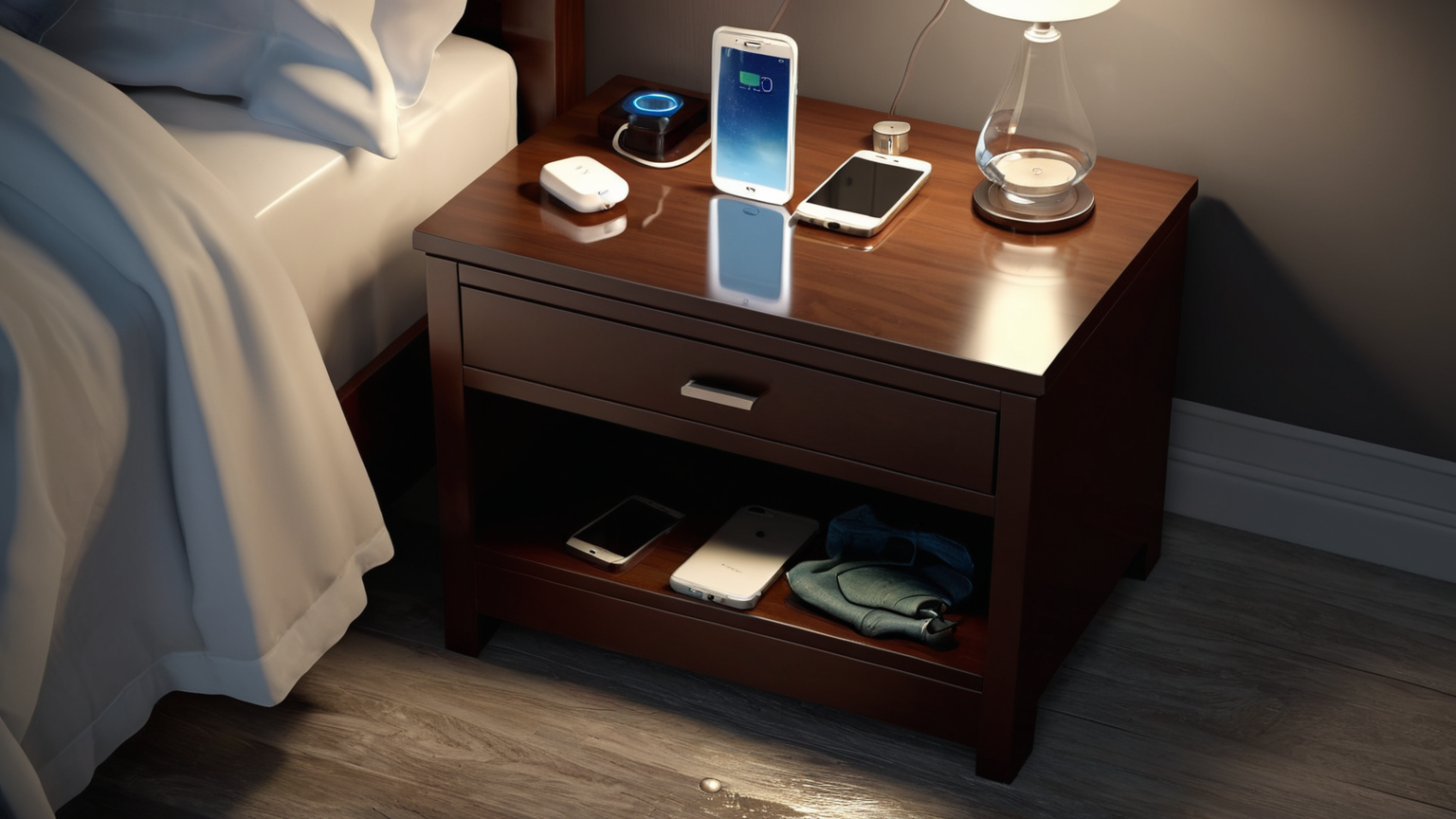
Place the button where stress actually happens: beside a bed, near a favorite chair, by the garage entry, or near the kitchen path. Do not hide it inside an app. Do not place it where pets, children, bags, or cleaning can press it constantly. If the person has mobility limits, test from the actual position they would be in, not from a perfect standing posture.
Build a three-step routine
- Local signal: turn on a lamp, play a short sound, or announce that help was requested. This reassures the person and tells others in the home what happened.
- Trusted contact: send one clear message to a contact who has agreed to respond. Include the home name, room, and callback instruction, but avoid unnecessary health details.
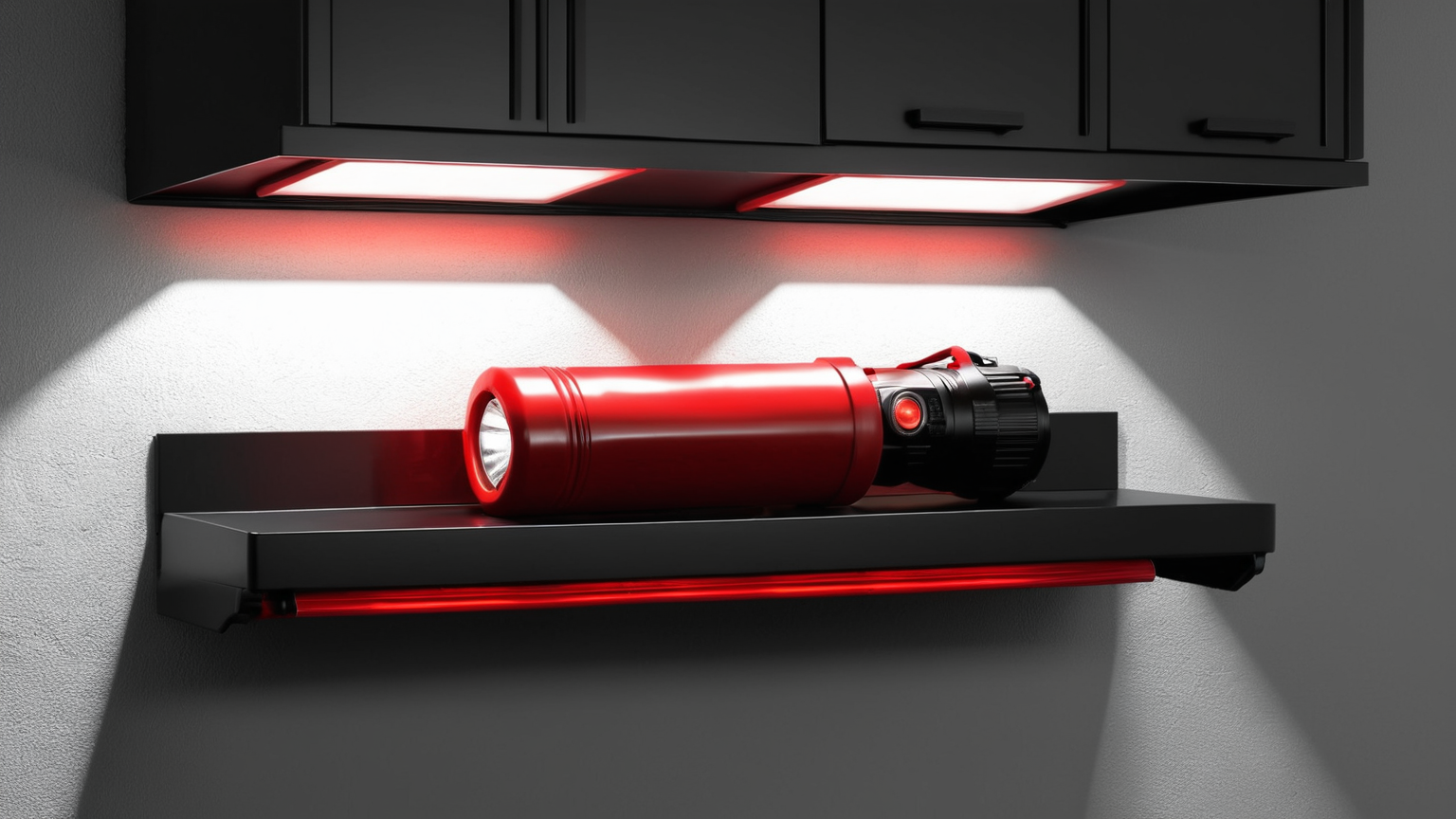
- Manual fallback: keep a phone, printed contact card, flashlight, and door access plan. The fallback must work when a router update, dead battery, or app outage breaks automation.
Privacy and access checklist
- Use a dedicated contact list, not every shared household account.
- Review app permissions after setup and after phone upgrades.
- Avoid cameras in bedrooms, bathrooms, or changing areas.
- Use strong passwords and multi-factor authentication for the smart-home account.
- Remove former roommates, guests, installers, and old phones from access.
- Write down who can unlock doors, receive alerts, or view sensor history.
False-alarm drill
Run a monthly drill. Press the button, observe which light or sound starts, confirm the contact receives the message, then cancel the drill. Record what was confusing. A safe routine should be boring, reversible, and easy to explain in one sentence: “Press this if you need a person to check on you; call emergency services for immediate danger.”
AdSense-readiness note
This article avoids medical claims, fear-based selling, and affiliate pressure. It is designed as a planning checklist backed by preparedness, privacy, cybersecurity, and fire-safety sources, which preserves trust for readers and advertisers.